
Bookmark Searchbar
One search bar for your bookmarks and your open tabs. A browser extension for Chrome, Edge and Firefox.
What it does
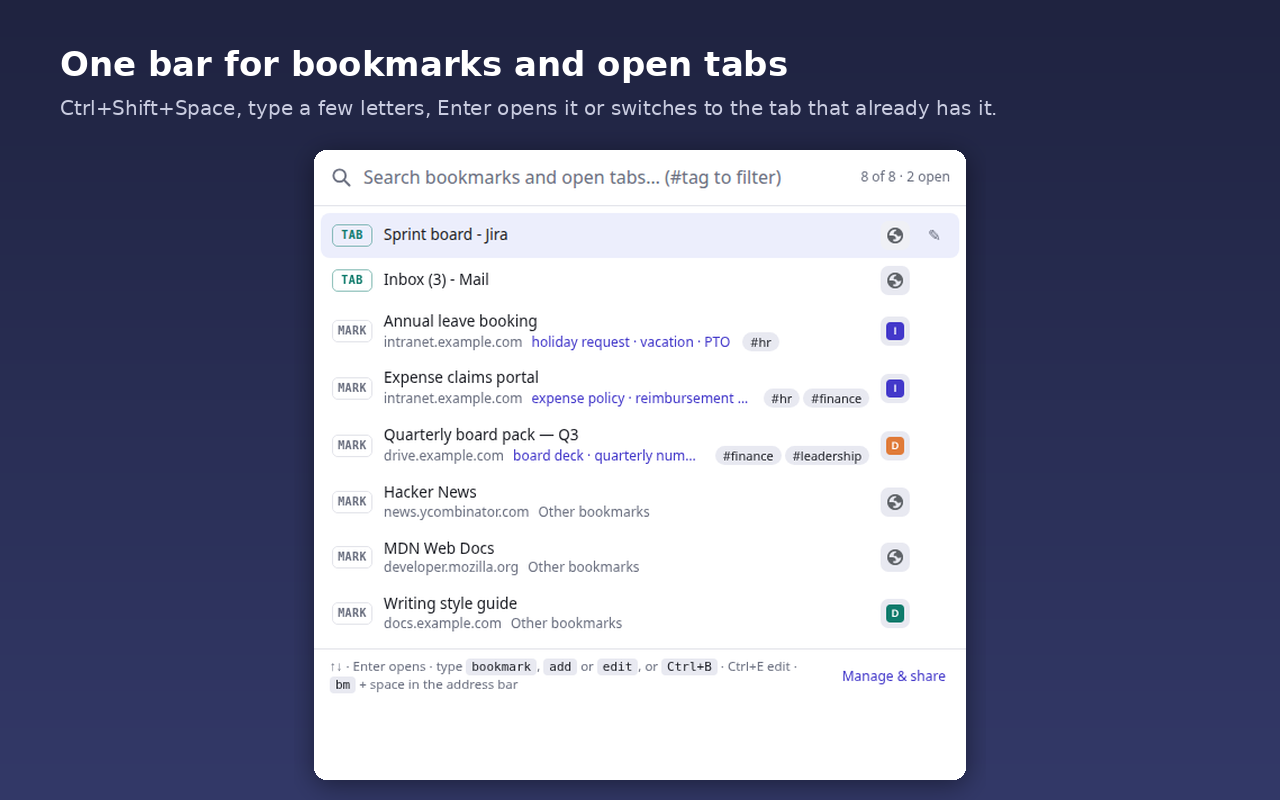
- Press Ctrl+Shift+Space, type a few letters of a title, a key term you gave the page, or #tag, and the matches rank as you type. Enter opens the best one, or switches to it when it is already open in some tab.
- Fuzzy matching: whole words, prefixes, substrings, a one-letter typo, in-order letters (bkmk finds bookmark). Accents are ignored.
- Key terms and tags: give any bookmark, open tab or page the words people actually type ("expense policy, reimbursement, per diem") and one-word tags. Key terms outrank the title; #tag filters.
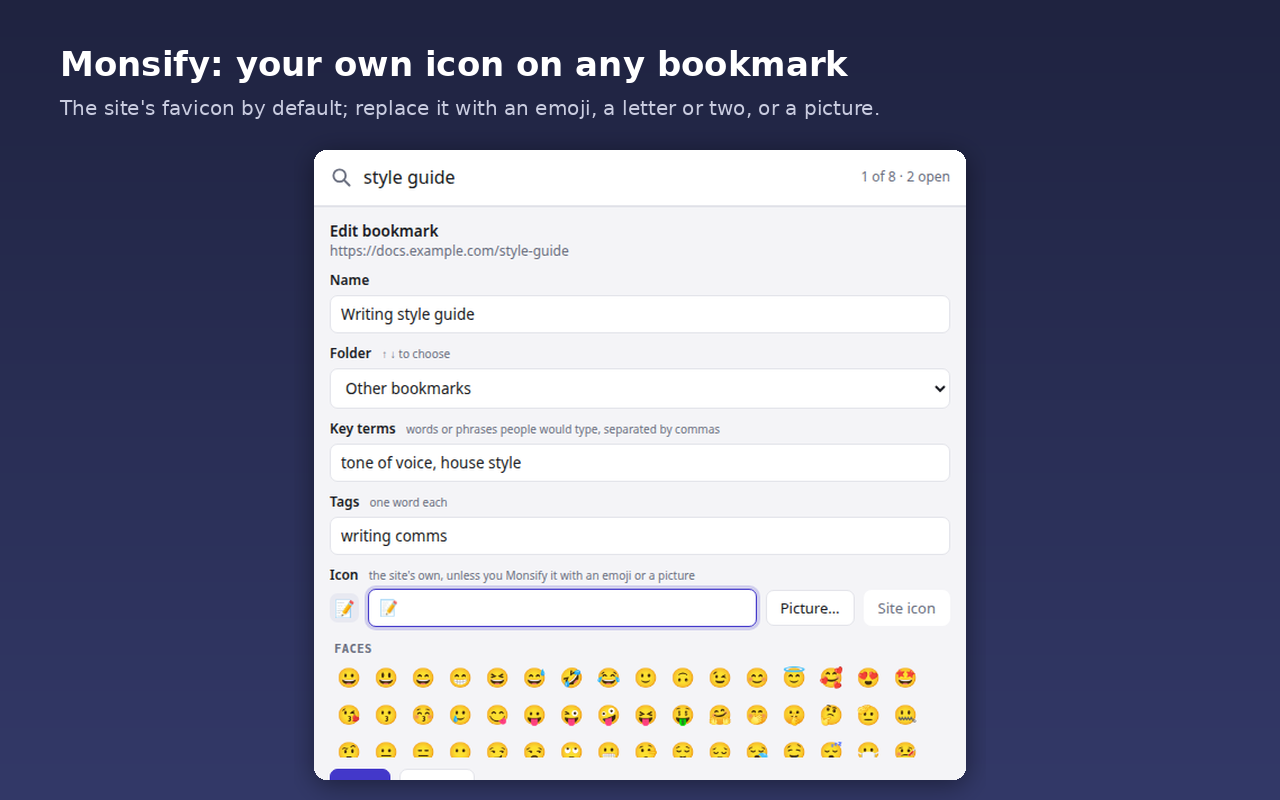
- Bookmark the page you are on without the mouse: Ctrl+B opens one form for name, folder, key terms, tags and icon; Enter saves from any field.
- Monsify: every row shows the site's icon; replace it with an emoji from a palette of 834, a letter or two, or a picture.
- Address bar: type bm, a space, then your search.
- Share a set: export key terms, tags and icons as a JSON file for a colleague to import.
Privacy
No account, no server, no tracking. Everything stays in your browser; the set file you export is the only way anything leaves it. The full privacy policy is one page.